
Leo Vesper . English . Male
Most cartoon video makers simply match the words to random clips. With Steve AI, you get a full production crew to create a complete story.
Try AI Cartoon Video Maker Free The Dragon's Egg
True treasure is not what you keep, but the kindness you give away.
🐉 The Dragon’s Egg
Deep in an enchanted forest, a curious boy named Leo finds a mysterious glowing egg hidden beneath an old oak tree. It’s warm and humming — like it’s alive!
But before he can figure out what it is, three tiny dragons burst out of the bushes! They buzz around him, chirping and snapping, trying to get the egg back. Leo is scared — but he realizes this egg isn’t his to keep.
He follows the tiny dragons deeper into the forest until he meets their enormous mother — a great emerald dragon with golden eyes full of worry.
Even though his knees are shaking, Leo steps forward and returns the egg. ‘It wasn’t mine to keep,’ he tells her bravely. ‘It belongs with its mom.’
The Mother Dragon is so moved that she gives Leo a magical shimmering scale from her own chest. She tells him: ‘Whenever your heart is kind, this scale will let you fly.’


Narration: The Dragon's Egg

Narration: Deep in the enchanted forest, where sunlight barely touched the mossy ground, a curious boy named Leo spotted something glowing beneath a twisted oak tree.

Narration: He knelt down and gasped.

Narration: It was an egg — shimmering with golden light, warm to the touch, and humming softly like a tiny heartbeat.

Dialogue: Leo: "Whoa. What are you?"

Narration: Then he heard it — a rustling, a chirping, and three tiny dragons burst through the ferns, their little wings buzzing like hummingbirds.

Narration: They circled Leo, snapping and squeaking, their eyes locked on the egg.

Narration: The tiny dragons hissed and darted closer.

Narration: Leo's heart pounded. He could run. He could keep this magical treasure forever. But then the egg pulsed warmly against his chest, and he understood — this wasn't his to keep.

Dialogue: Leo: "Okay. I'll bring you home."

Narration: He followed the tiny dragons deeper into the forest until the trees parted.

Narration: And an enormous dragon stood waiting, her scales like emeralds and her golden eyes filled with worry.

Narration: Leo's knees trembled, but he stepped forward.

Dialogue: Leo: "I think this belongs to you."

Dialogue: Mother Dragon: "You could have kept it, little one. Most would have."

Dialogue: Leo: "It wasn't mine to keep. It belongs with its mom."

Dialogue: Mother Dragon: "And that is exactly why you deserve this."

Narration: Whenever your heart is kind, this scale will let you fly.

Dialogue: Leo: "Really? I can actually fly?"

Dialogue: Mother Dragon: "Kindness is the rarest magic in this world, dear boy. And you carry it well."

Narration: Leo clutched the scale and laughed as his feet lifted gently off the ground.

Narration: He soared above the treetops, the wind in his hair, the three tiny dragons chirping happily around him.

Narration: And he knew that the greatest treasure he'd ever found was the one he gave away.

Narration: When you give back what isn't yours, the world gives you something even greater in return.
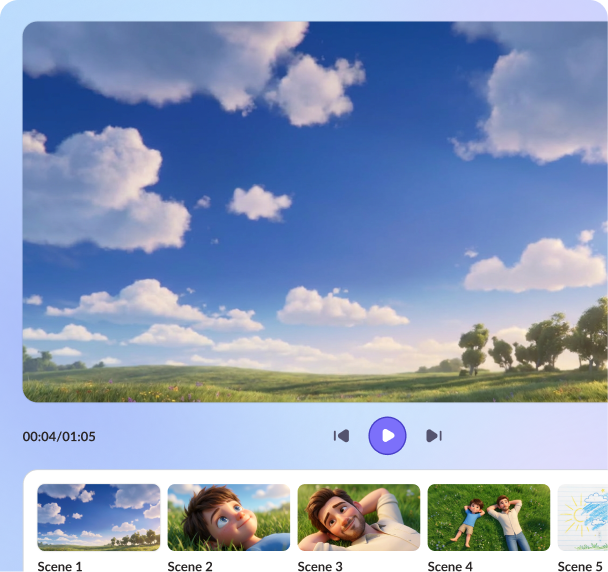
Scene 1.1Scene 2.1Scene 2.2Scene 2.3Scene 2.4Scene 3.1Scene 3.2Scene 3.3Scene 3.4Scene 3.5Scene 4.1Scene 4.2Scene 4.3Scene 5.1Scene 5.2Scene 5.3Scene 5.4Scene 5.5Scene 5.6Scene 5.7Scene 6.1Scene 6.2Scene 6.3Scene 7.1Unlike most AI cartoon generators, which work like a typical search engine matching keywords, Steve AI's cartoon video maker is built differently. It understands your script context and maps out the narrative arc and builds scenes that follow the story logic.
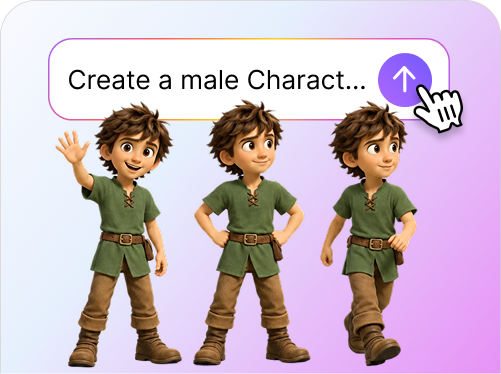
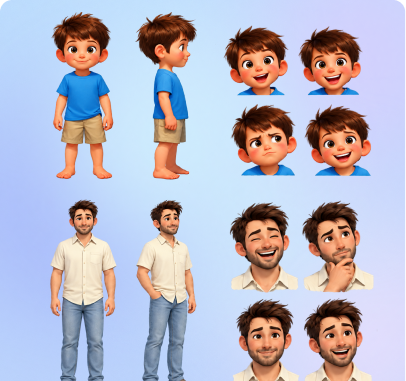
First, the characters are identified and designed, and then a storyboard is generated with the same character from scene 1 to 20. This is the single feature that separates a usable animated series from a slideshow of disconnected clips.
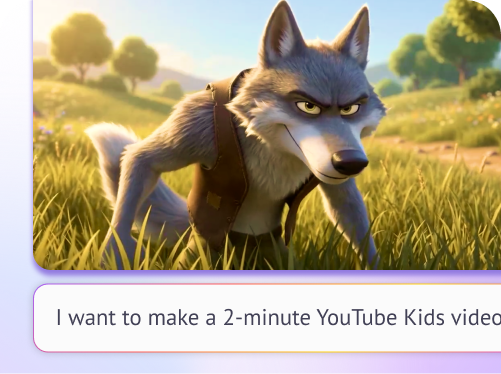
At every stage of the video creation, from scripting to asset generation to storyboarding and generating the video, use our conversational prompter to dictate changes like you would do in real life. From saying "make the intro punchier" to "give this character a friendlier tone", the AI makes it happen without affecting the story.
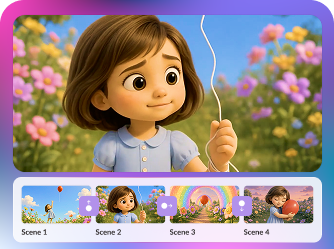
Because the AI understands what happened before and after each scene, the transitions feel seamless without any hasty changes.
What if you could pick the most trending templates and then make it yours? That's exactly what Steve AI cartoon video generator does to your projects. Every cartoon video is built from scratch around your style and story preferences, and you are the one making the calls at every step: which character carries the scene, what the background looks like, how a moment is paced - it's built with you, one choice at a time.

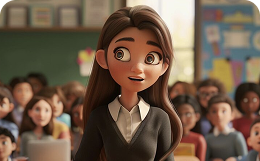
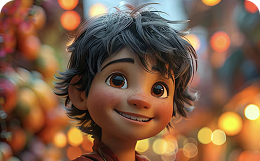

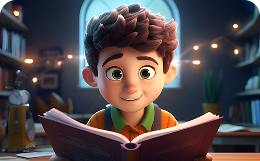
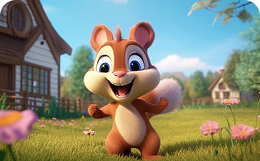


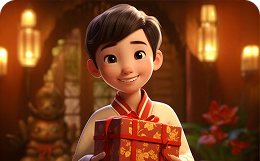
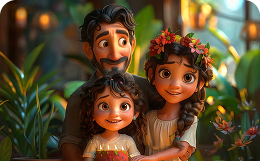
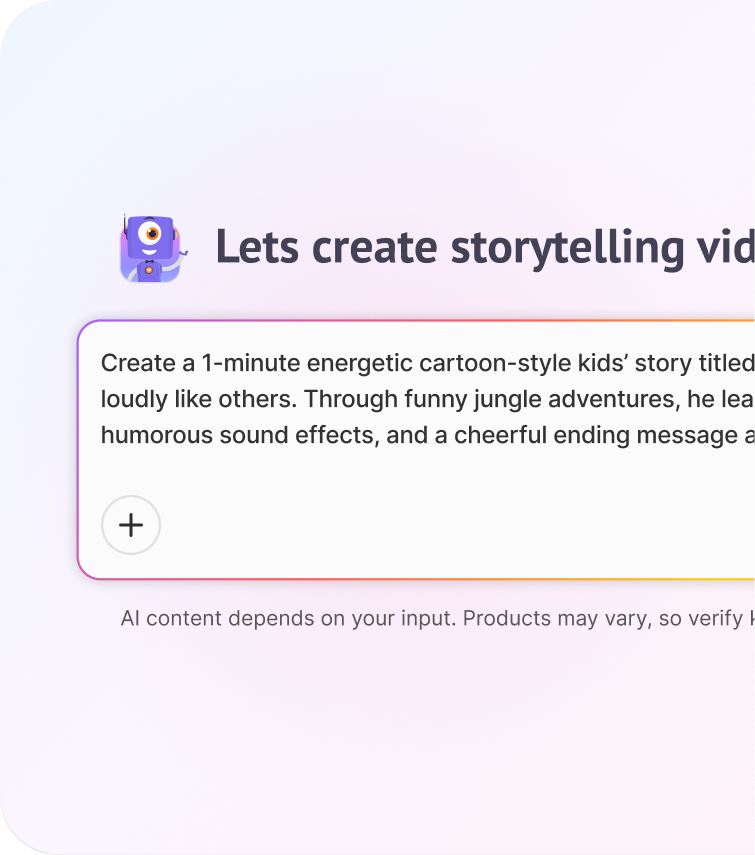
Describe your use case, video style, story, premise, characters, etc. Steve AI Cartoon Video Maker creates a structured arc around it. If something is unclear, Steve AI will ask clarifying questions.
Animated cartoon videos make complex concepts simple, and because Steve AI understands your script's structure, it knows which idea to introduce first and which visual makes it click. Use expressive cartoon avatars to break down your message in a way your audience instantly gets.
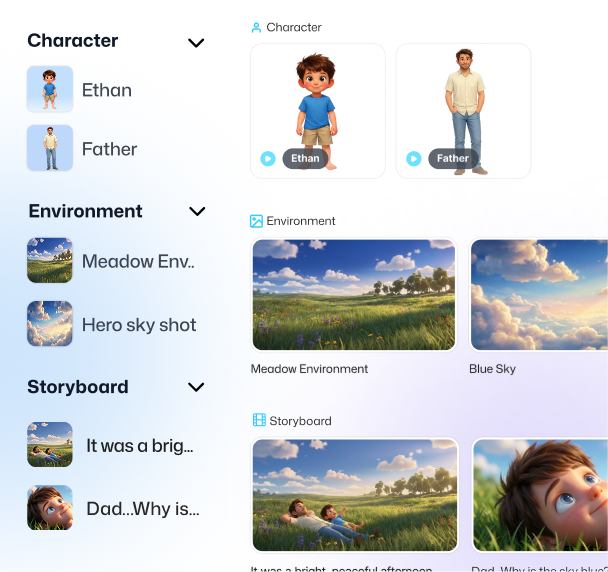
Animated cartoon videos grab attention fast. Coherent, story-driven scenes keep viewers watching longer than a random sequence of stock-matched clips ever could.
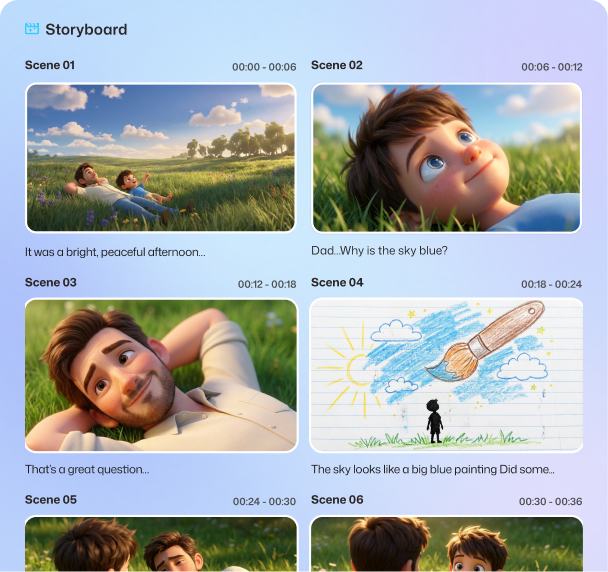
Show your brand personality through animated cartoon characters that stay consistent with same look, same voice, same personality every time they show up. Consistency is what makes a character feel real.
Promote your product naturally with a character-led narrative that actually has a beginning, middle, and end. A story people follow converts better than a montage people skim.








YouTube Animator
Marketing Lead
Content Creator